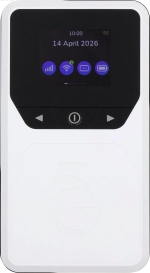
Vodafone Pocket WiFi® 6 CM52 5G

Vodafone Pocket WiFi® 6 CM52 5G

I can't establish a wireless connection to my Vodafone Pocket WiFi® 6 CM52 5G Windows 11

Cause 1 of 3: The name of your Wi-Fi hotspot is identical to another Wi-Fi hotspot name.

The name of your Wi-Fi hotspot needs to be different from the other Wi-Fi hotspot names your computer can connect to.

Solution: Change Wi-Fi hotspot name.

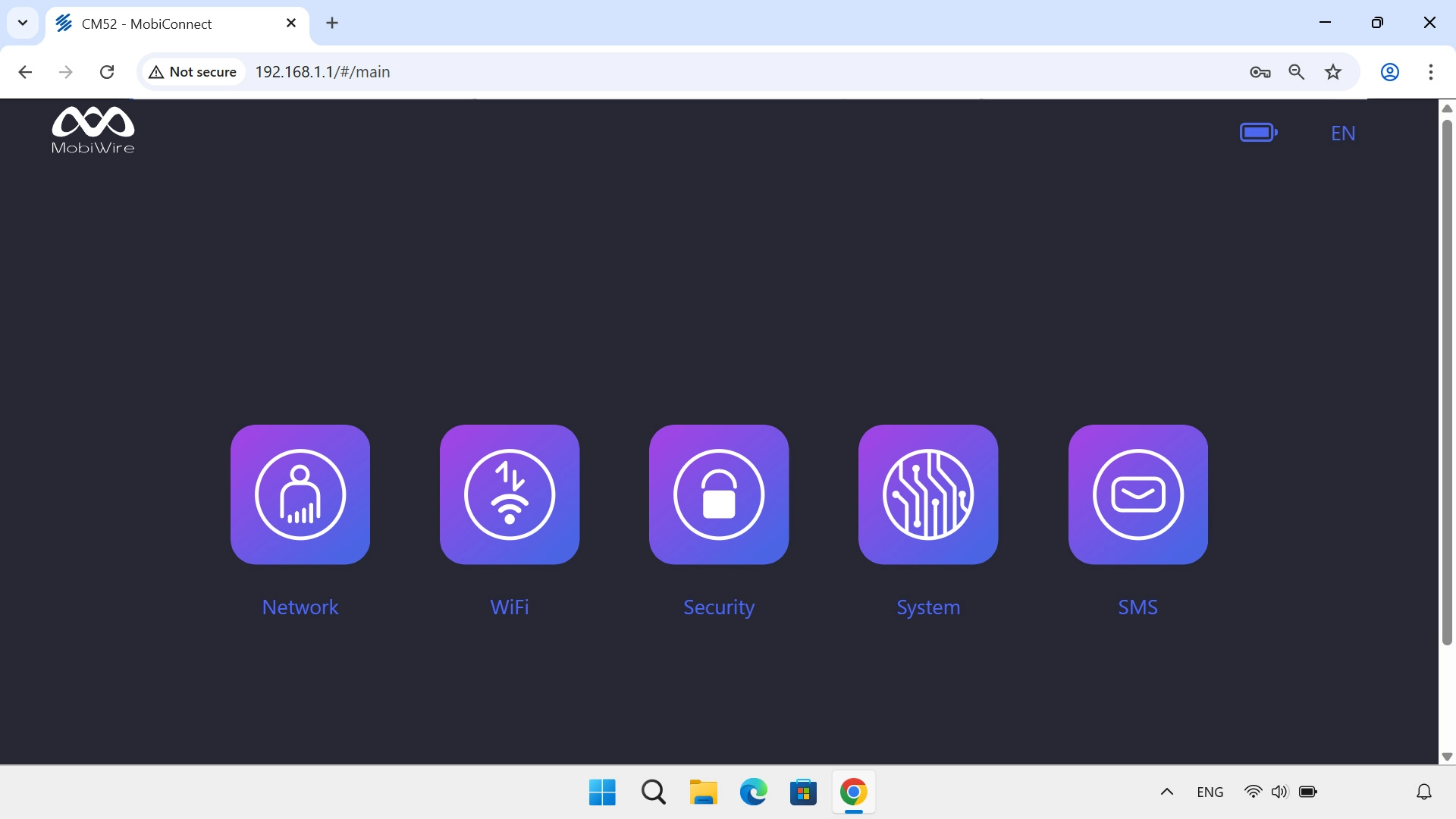
Step 1 of 4

Find "WiFi Settings"

Click WiFi.
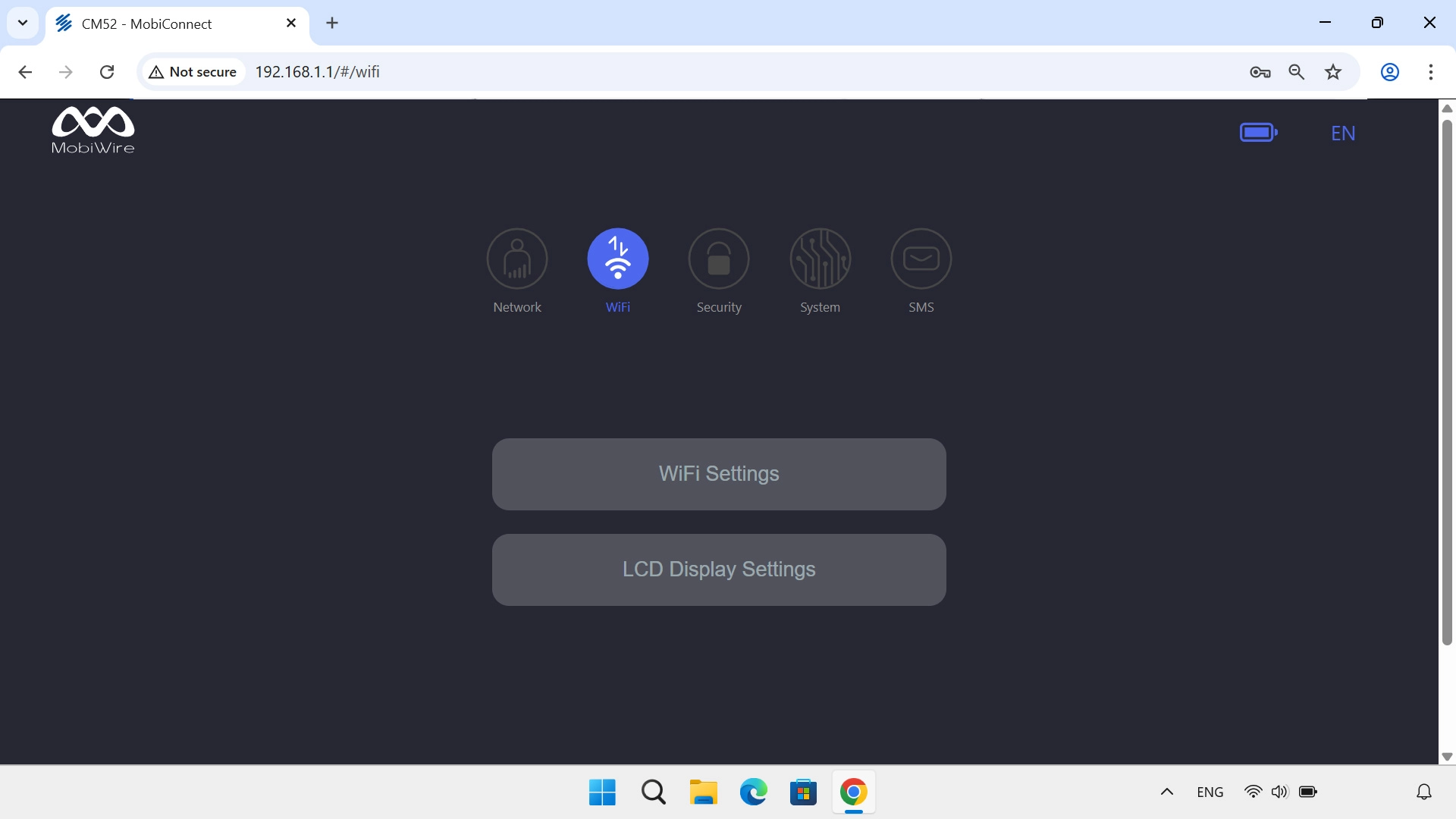
Step 2 of 4

Find "WiFi Settings"

Click WiFi Settings.
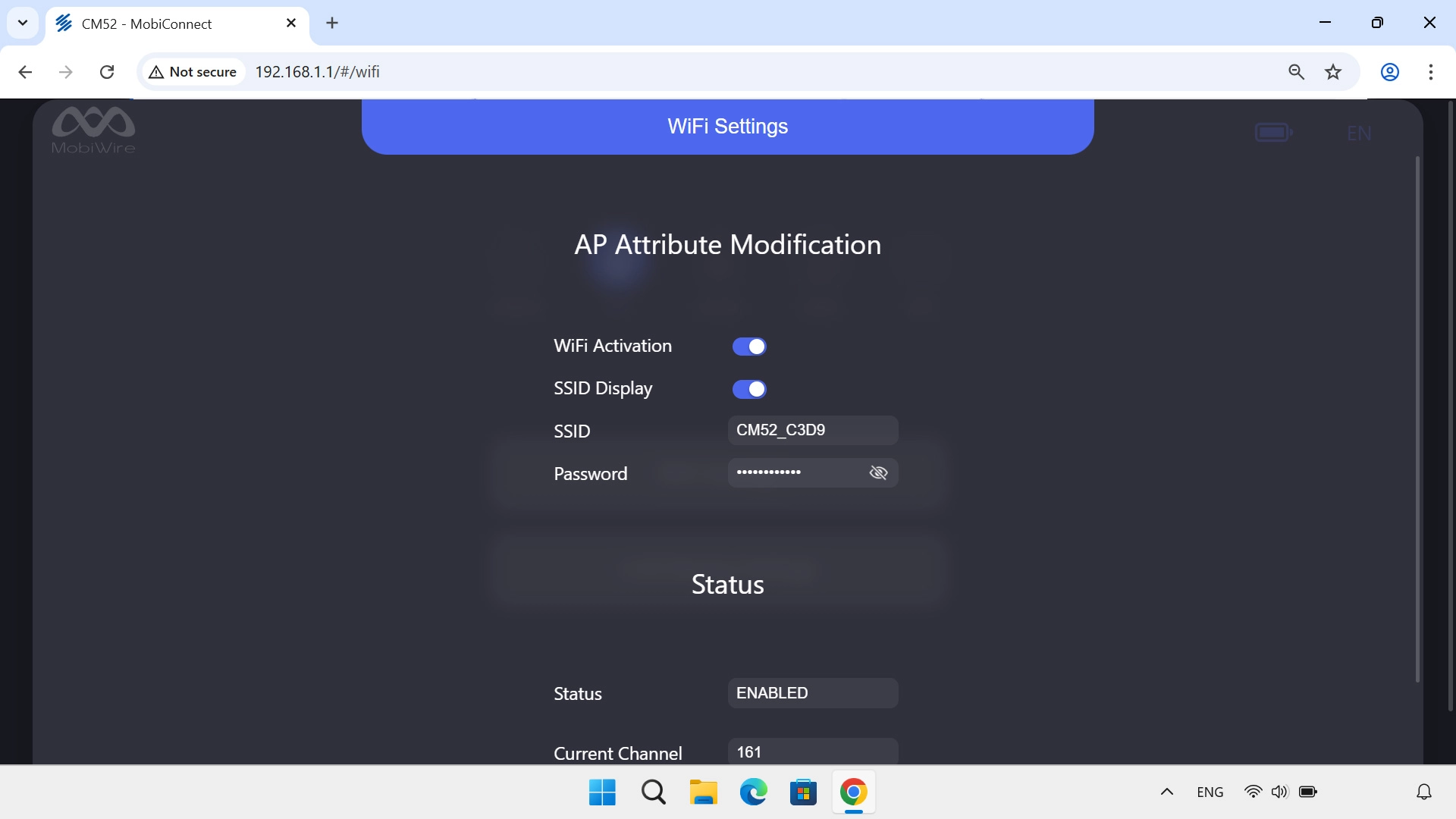
Step 3 of 4

Change Wi-Fi hotspot name

Click the field next to "SSID" and key in the required name for your Wi-Fi hotspot.
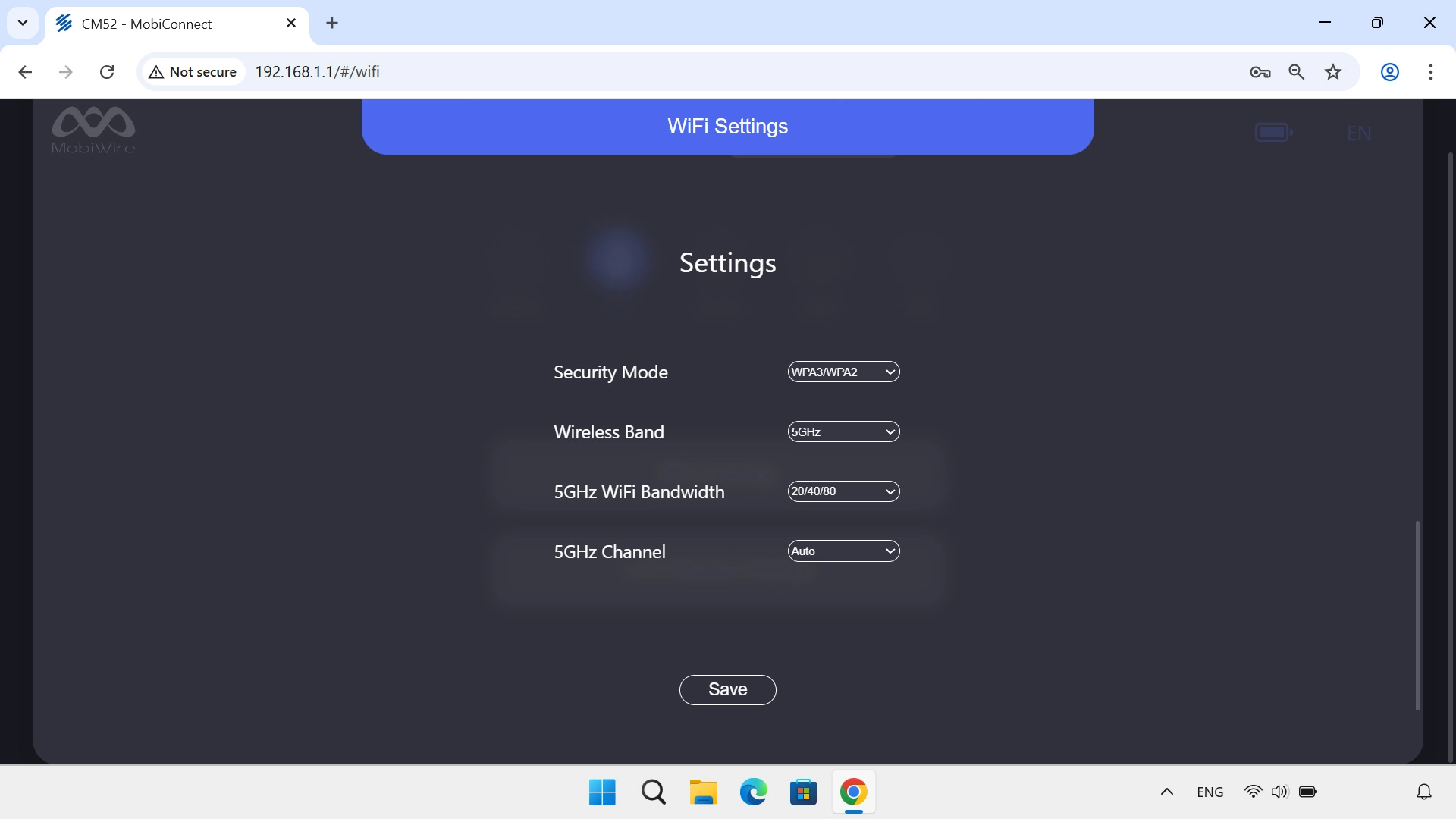
Step 4 of 4

Change Wi-Fi hotspot name

Click Save.

1 Find "WiFi Settings"

Click WiFi.
Click WiFi Settings.

2 Change Wi-Fi hotspot name

Click the field next to "SSID" and key in the required name for your Wi-Fi hotspot.
Click Save.
Please note that the internet connection is ended and you need to establish an internet connection again with the new settings.

Did this solve the problem?

Yes - All solved No - Go to next cause

Get information on...

Or select...

Another device